

SaaS Subscription Management: A Practical Guide for Growing Teams
Subscription management gets harder as you grow, and not in the ways most founders expect. Here's what it actually involves, where it tends to break, and how to stay on top of it without it consuming your team.
At ten customers, subscription management is not a problem. You know who's on which plan, when they renew, and what they owe. You send invoices manually at the start of each month and it takes maybe an hour.
At thirty customers, the same process starts consuming half a day. At fifty, it stops being a process and starts being a liability.
This is the arc most SaaS companies follow. It's not that the work gets fundamentally harder. It's that there's more of it, it's less forgiving of mistakes, and the downstream effects of errors (wrong invoices, missed renewals, incorrect proration) start affecting revenue and customer relationships in ways that are expensive to fix after the fact.
This guide covers what SaaS subscription management actually involves, where it typically breaks down as teams grow, and what good subscription management looks like in practice.
What subscription management actually involves
Most people think of subscription management as invoicing. It's broader than that.
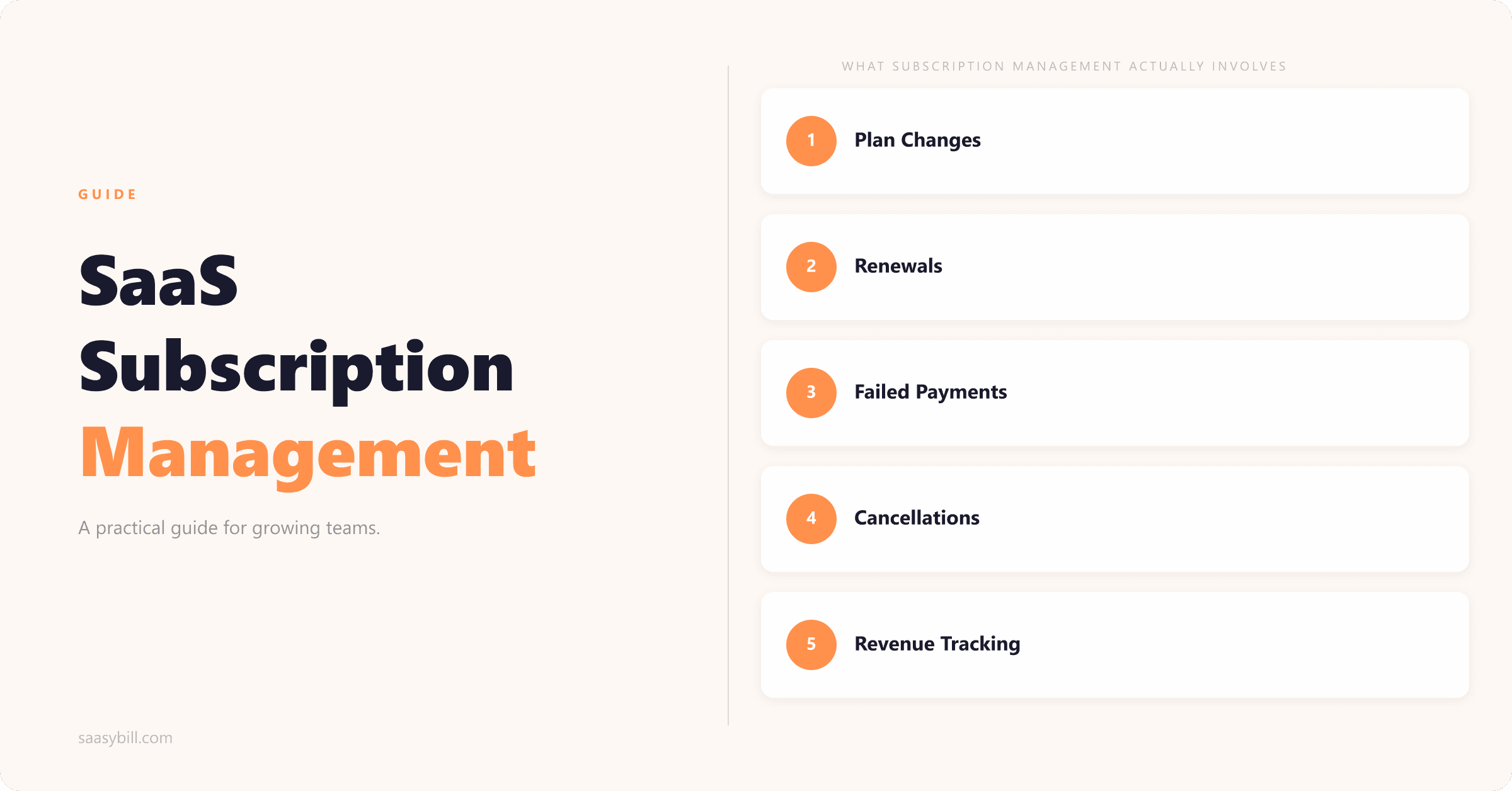
Plan changes. Customers upgrade and downgrade. When that happens mid-cycle, you need to handle the proration: calculate the credit for the unused portion of the current plan, apply the new rate from the change date, and invoice accordingly. Do this manually across 50 customers and it's easy to make a mistake.
Renewals. Monthly renewals are straightforward until they're not: a payment fails, a customer has changed their card, or someone contacts you to cancel the day before their renewal processes. Annual renewals add a different challenge: they arrive infrequently enough that they catch teams off guard. (If you're weighing up annual vs monthly billing, this post covers the economics in detail.)
Failed payments. Cards expire, payment details change, and limits get hit. Handling failed payments well means detecting them quickly, retrying at the right intervals, notifying the customer without being aggressive about it, and knowing when to pause the account versus when to chase manually. Every failed payment that isn't recovered is revenue lost.
Cancellations. A customer cancels and you need to stop billing them at the right time, update your records, and ensure their access is handled correctly. The billing and the offboarding need to stay in sync.
Revenue tracking. MRR, churn, expansion revenue: these numbers only mean something if the underlying subscription data is accurate. If your invoicing lives in a different system from your accounting, or if plan changes get logged inconsistently, your revenue metrics become unreliable.
Communication. Renewal reminders, payment failure notices, upgrade confirmations, cancellation acknowledgements: the comms that go alongside billing events are part of subscription management, not separate from it.
Most of this is straightforward when it's happening at low volume. The complexity comes from doing all of it, across a growing customer base, without errors.
Where things break as you grow
The spreadsheet ceiling. Many teams manage subscriptions in a spreadsheet for longer than they should, because it works well enough right up until it doesn't. The failure modes are well-documented: proration errors, renewal dates drifting, a formula that breaks when someone adds a new plan, a team member who understood the logic leaving and nobody else being sure what the spreadsheet is actually doing. The spreadsheet becomes something everyone is nervous about touching rather than a tool they trust.
The proration problem. Proration is the billing task most likely to go wrong manually. The calculation itself isn't complicated, but it needs to be done consistently, every time, with the right dates and the right amounts. One wrong figure on an invoice creates a customer service conversation. If it happens regularly, it creates a perception that your billing is unreliable.
The accounting split. A less obvious breakage point: when subscription data lives somewhere different from your accounting system, the two start to diverge. You have one set of numbers in your billing tool or spreadsheet and another in Xero or QuickBooks. Reconciliation becomes its own project. Your accountant starts asking questions you can't answer quickly. Month-end takes longer than it should.
For businesses on Xero specifically, this is worth paying close attention to. The most common "upgrade" path of moving from manual billing to a dedicated billing platform typically makes this problem worse, not better. Billing platforms run their own invoicing and push summarised data back to Xero. The detail your accountant needs isn't there. A more detailed breakdown of the options for Xero users is here.
The knowledge concentration risk. In small teams, subscription management often lives in one person's head. They know which customers are on legacy plans, which ones have custom pricing, which ones have outstanding credits. When that person is on leave or leaves the company, the process either stalls or gets handed over to someone working from incomplete information. Billing that lives in one person's memory is a single point of failure.
What good subscription management looks like
Invoices go out automatically. The only billing events that should require manual work are exceptions: a customer on a custom arrangement, a one-off adjustment, a dispute. Standard renewals, plan changes, and proration should be handled without anyone having to remember to do it.
The accounting system stays accurate. Every billing event should produce a record in your accounting system with the right detail. Not a summarised sync at the end of the month. An actual invoice, at the time the event happens, with the line-item detail your accountant can work from. If a customer upgrades and the proration credit goes out, it should appear in Xero the same way it would if you'd created it manually.
The data is in one place. Subscription data and accounting data should agree. If you pull MRR from your billing records and cross-reference it against Xero, the numbers should match. If they don't, you have a reconciliation problem waiting to surface at exactly the wrong moment.
The process doesn't depend on any individual. If the person who manages billing is unavailable, someone else should be able to take over without a handover document. Good subscription management is repeatable and documented in the system, not just in someone's memory.
Exceptions are visible. Failed payments, upcoming annual renewals, customers who haven't been invoiced in an unusually long time: these should surface automatically rather than being caught by accident or not caught at all.
Tooling at different stages
Under 20 customers: A spreadsheet with a clear structure is fine. The overhead of a billing tool at this stage is not worth it. If you want a starting point, a structured template with proration logic built in is more useful than a bespoke setup. You can download one here.
20 to 300 customers: This is where the manual approach stops scaling and the choice of tool matters. For teams on Xero, the decision is straightforward: you want something that creates invoices directly in Xero rather than replacing your Xero invoicing with a separate system. Saasybill is built for exactly this stage. Subscriptions and plan changes are managed through Saasybill, and every billing event produces a proper invoice inside Xero. No sync, no summarised data, no transaction fees.
If you're not on Xero, or if you need multi-currency, global tax compliance across multiple jurisdictions, or multi-entity support, dedicated billing platforms like Chargebee or Recurly are the relevant options. The comparison between them is covered in detail here.
Beyond 300 customers: At higher volumes, the tooling requirements depend more on operational complexity than customer count. If you're still billing in a single currency without multi-entity structures, a lightweight setup continues to work. If you've added global tax requirements or multi-entity billing, a full billing platform is the right move.
The common thread across all of these stages is the same: subscription management should be invisible to your team once it's set up correctly. The work happens automatically, the numbers land in the right place, and the exceptions surface clearly rather than being discovered when a customer emails to ask why they've been charged the wrong amount.
Start billing automatically in minutes.
Connect Xero, set up your plans, and have your first subscription running today. Every invoice lands directly in Xero.