

From plan setup to
Xero invoice, automatically.
A complete walkthrough of Saasybill. Every step from first setup through to renewals, mid-cycle changes, and proration.
Five steps from
plan to invoice.
Every subscription in Saasybill moves through the same automatic path. Step through each stage to see exactly what happens.
Create a billing plan.
Choose a billing model, set the renewal period, and define what the unit represents for your business. Plans can sit in draft while you configure them and go active when ready.
All your subscriptions, one place.
Every subscription is visible at a glance. Renewals run automatically and invoices land in Xero without any manual steps.
The revenue dashboard shows your MRR, active subscriptions, and billing history updated in real time as events fire.
Start your free trial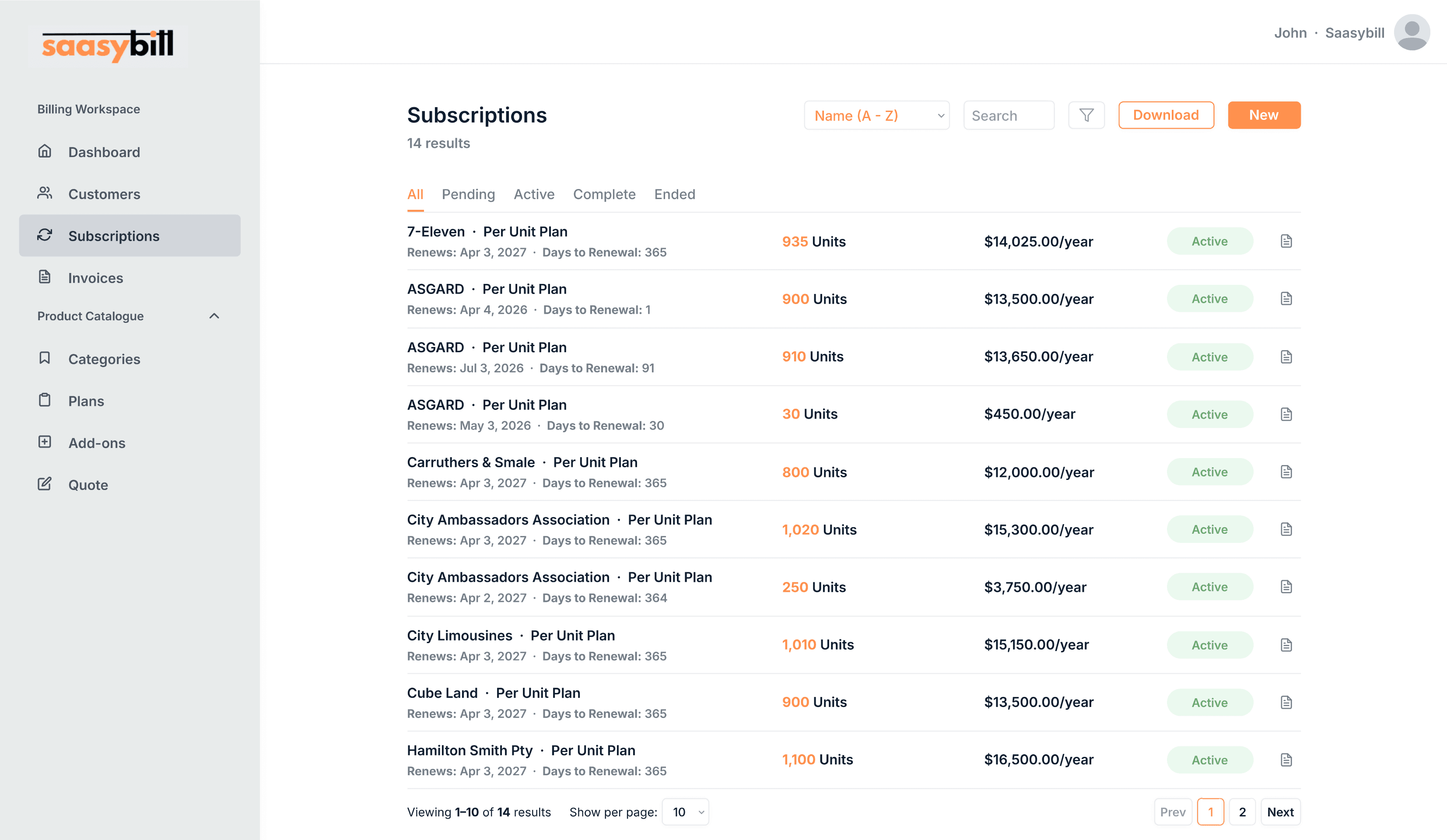
Next renewal bills the full month at the new rate: $240.
What happens when a plan changes mid-cycle.
When a plan changes mid-cycle, Saasybill calculates what each plan was worth for the remaining days and invoices the difference. It uses the exact date of the change, not an estimate.
The effective date can be backdated or forward-dated. If a customer agreed to upgrade last week, the proration reflects that date.
- Charge immediately as a new invoice
- Roll the difference into the next renewal
- Every event recorded in subscription history
See it with your
own workflow.
Start a free trial and have your first subscription running in minutes. Or request a demo and we will walk through it with your Xero setup.